The Ultimate Guide to Your Bmw X3 Key Fob: Troubleshooting, Battery, and Replacement
If you own a BMW X3, you know that the small device in your pocket—the key fob—is the nerve center of your driving experience. It's much more than just a key; it controls security, comfort access, and even some personalized settings. But what happens when your trusty Bmw X3 Key Fob starts acting up? Don't panic! This comprehensive guide covers everything from basic functions and battery replacement to serious troubleshooting tips.
We're going to walk through the essential maintenance and common problems so you can keep your key fob, and thus your X3, running smoothly. Whether you have the earlier F25 generation or the modern G01, keeping your fob healthy is crucial for enjoying the ultimate driving machine.
Decoding Your Bmw X3 Key Fob: Features and Functionality
Your Bmw X3 Key Fob is an impressive piece of technology. Depending on your X3 model year and package (especially if you have the Comfort Access system), the fob utilizes radio frequency (RF) signals and sometimes NFC to communicate with the vehicle. The latest models are designed to be entirely passive—you never even have to take them out of your pocket to start the engine.
However, even with advanced technology, regular functions rely on simple button presses and, crucially, a working battery. Knowing what each button does can save you time and frustration.
Key Fob Generations for the BMW X3 (F25 vs G01)
The style and functionality of your fob depend heavily on your X3's generation. The second-generation X3 (F25, 2010–2017) often uses a standard plastic key fob with visible buttons and a traditional physical key blade stored inside. In contrast, the current third-generation X3 (G01, 2017–Present) often features the sleek, diamond-shaped fob, and owners who opted for the Display Key (though less common in the X3) have a miniature touch screen fob.
The differences are mostly aesthetic, but battery type and replacement procedures can vary slightly, so it's important to identify your specific fob style.
Understanding Key Fob Symbols
Most BMW X3 key fobs have standard symbols, but some might have additional functions for specific regional markets or features like remote starting.
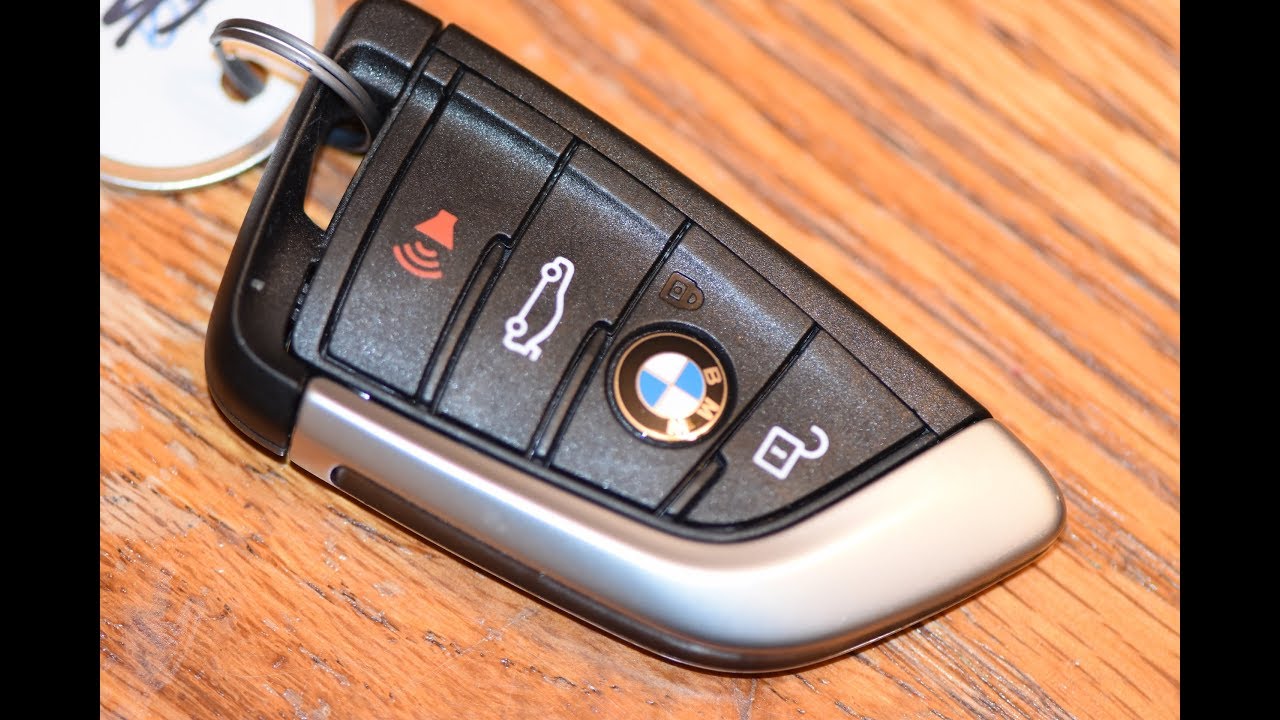
- Lock Symbol: Locks all doors and arms the alarm system.
- Unlock Symbol: Unlocks all doors. If you press and hold, it may open all windows and the sunroof (Global Open feature).
- Trunk/Tailgate Symbol: Opens the powered rear tailgate. This is extremely useful when carrying heavy items.
- BMW Logo/Panic Button (Optional): Usually, pressing and holding the BMW logo on the back, or a dedicated panic button, will sound the car alarm.
DIY Maintenance: Replacing the Bmw X3 Key Fob Battery
A weak battery is the number one cause of Bmw X3 Key Fob failure. BMW generally recommends changing the battery every one to two years, but you might notice reduced range before then. Fortunately, changing the battery is a quick DIY job that anyone can handle.
What Battery Does My Bmw X3 Key Fob Use?
The vast majority of modern BMW key fobs (F25 and G01 non-Display Keys) use a standard coin cell battery. Always check your owner's manual to be certain, but here are the common types:
- Most Common Battery (G01): CR2032 3-volt Lithium Coin Battery. This is easily found at pharmacies or electronics stores.
- Older/Alternative Models (F25): Some older models might use a slightly smaller CR2025 battery.
If you have the highly advanced Display Key fob, be aware that it features a rechargeable lithium-ion battery. This battery is charged via a micro-USB port or wirelessly in the center console.
Step-by-Step Battery Replacement Guide
Gather your new battery and a small flat tool (like a plastic trim tool or a small flathead screwdriver wrapped in tape to prevent scratches).
- Remove the Physical Key: Locate the small release tab, usually on the side or back of the fob. Slide or press this tab and pull the mechanical key blade out.
- Open the Fob Casing: Use the newly exposed slot where the key blade was or a small indentation on the side. Gently pry the two halves of the key fob apart. Be careful not to damage the internal electronics.
- Swap the Battery: Identify the old battery. Use your small tool to gently pop the old battery out of its holder. Note the orientation (+ side up or down).
- Insert New Battery: Place the new CR2032 battery into the slot, ensuring the polarity matches the old one.
- Reassemble: Snap the key fob casing back together firmly until it clicks. Reinsert the physical key blade.
Test the remote functions immediately. If the range improves, you've successfully restored power to your fob!
Dealing with Key Fob Issues: Troubleshooting Common Problems
Sometimes, simply changing the battery doesn't solve the problem. If your Bmw X3 Key Fob is still unresponsive, there might be other issues at play. Here are two of the most frequent key fob problems and their solutions.
When the Key Fob Stops Working Suddenly
If your fob goes from perfectly fine to completely useless overnight, consider external factors. High levels of radio interference—such as being near powerful radio transmitters, military bases, or certain security systems—can temporarily jam the signal between the fob and your X3.
First, move your vehicle to a different location and try again. If that fails, verify that the key fob itself hasn't sustained damage, such as water exposure. If you suspect water damage, open the casing, remove the battery, and let the components air dry thoroughly before retesting.
Key Fob Not Recognized by the Car
If your X3 displays a message that the key fob is not recognized, or if you can't start the engine, you may need to use the emergency starting procedure. BMW incorporates a built-in sensor for situations where the fob battery is dead or the signal is jammed.
To use this procedure, place the Bmw X3 Key Fob directly against the steering column where the key symbol is located, or against the specified position in the center console cup holder area. This allows the car to read the embedded chip via induction. Once placed there, press the start button immediately. If the car starts, it confirms the battery or signal strength was the issue, and you can drive normally.
Lost or Damaged? Getting a New Bmw X3 Key Fob
Losing a key fob is stressful, especially considering how essential it is. Because BMW uses proprietary rolling codes for security, you can't simply buy a blank fob and expect it to work. It needs to be programmed to your vehicle's specific CAS (Car Access System) or FEM (Front Electronic Module).
Costs and Programming (Synchronization)
Replacement costs for a Bmw X3 Key Fob can be steep, ranging from $300 to $800 depending on the model and whether you require the physical key blade cut. There are two primary avenues for replacement:
- Authorized BMW Dealership: This is the most secure option. They will order a key specific to your VIN, ensuring it is properly cut and electronically married to your X3's security system. This is usually the most expensive route.
- Specialized Automotive Locksmith: Some high-end automotive locksmiths have the necessary BMW diagnostic tools to program new keys. This can often be significantly cheaper than the dealer, but make sure they guarantee their programming work.
Crucially, whenever you get a new fob, ensure the lost fob is deactivated by the dealer or locksmith. This prevents anyone who finds the old key from driving off with your X3.
Conclusion
The Bmw X3 Key Fob is a brilliant piece of engineering that rarely lets you down, provided you treat it well. Regular maintenance, especially timely battery replacement, will solve 90% of all potential problems. Remember to always keep your spare key in a safe place, and if your primary fob experiences a critical failure, use the emergency start procedure to get you going until you can address the issue. By understanding its functions and knowing how to troubleshoot, you ensure uninterrupted access to your beloved BMW X3.
Frequently Asked Questions (FAQ) about the Bmw X3 Key Fob
- Can I program a Bmw X3 key fob myself?
- No, unfortunately. Modern BMW fobs require specialized programming equipment (often dealer-level diagnostic tools) to synchronize the unique security codes with the vehicle's computer module. Simple synchronization steps that worked on older BMWs do not apply to the X3.
- Why is my key fob range getting shorter?
- A diminished range is almost always an indicator that the key fob battery is weak and needs immediate replacement. If the battery is new, check for strong radio frequency interference near where the car is parked.
- What should I do if my Bmw X3 key fob gets wet?
- Immediately remove the battery and open the casing. Do not attempt to use or test the fob. Allow the electronic components to air dry completely for at least 24 hours. Placing it in a sealed container with silica gel packets can help draw out moisture.
- Does the Bmw X3 key fob recharge automatically when driving?
- For the F25 and G01 models using the standard CR2032 coin cell battery, the fob does NOT recharge in the ignition slot. The battery must be manually replaced. Only the optional Display Key fob features internal rechargeable batteries.
Bmw X3 Key Fob
Bmw X3 Key Fob Wallpapers
Collection of bmw x3 key fob wallpapers for your desktop and mobile devices.
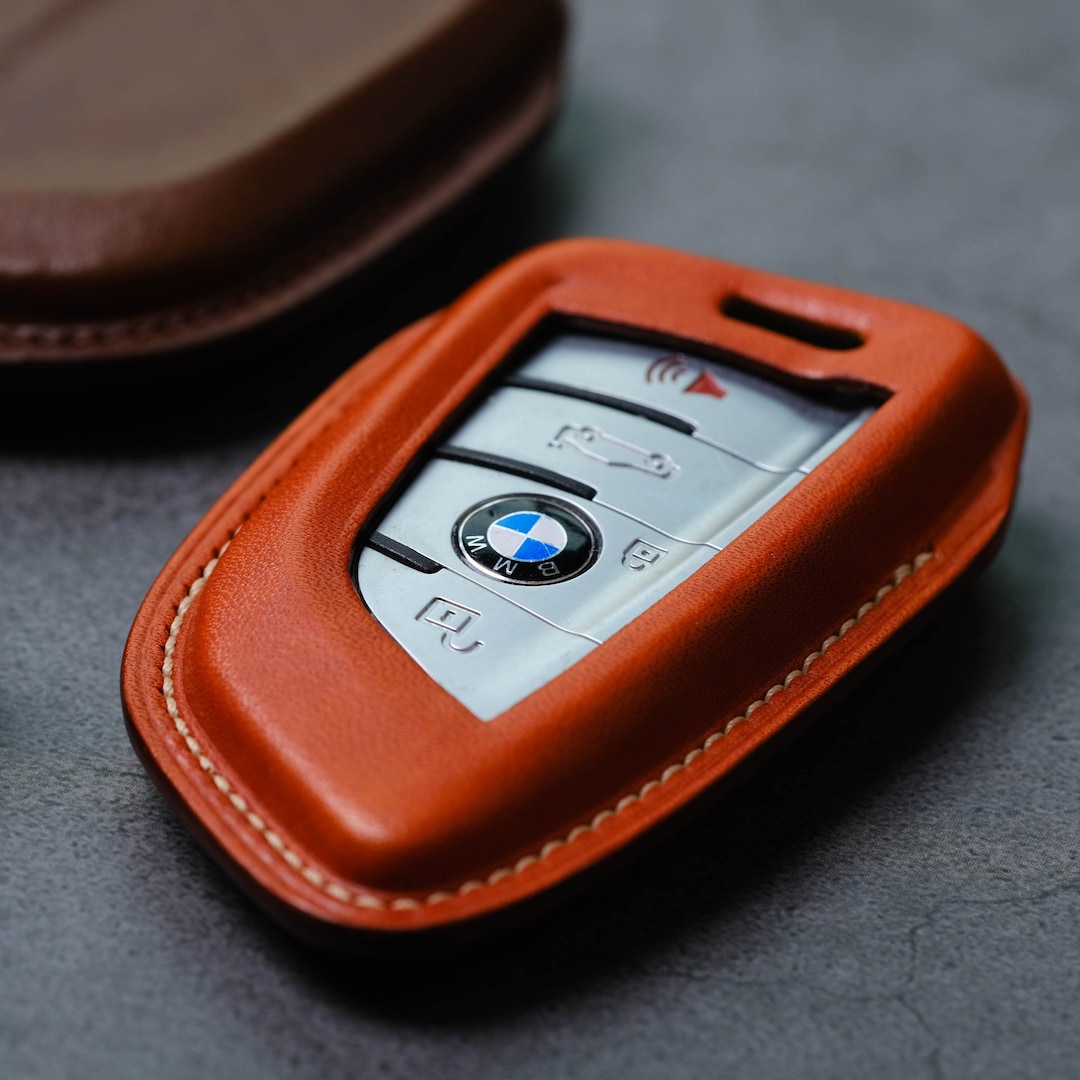
Exquisite Bmw X3 Key Fob Artwork for Your Screen
Find inspiration with this unique bmw x3 key fob illustration, crafted to provide a fresh look for your background.
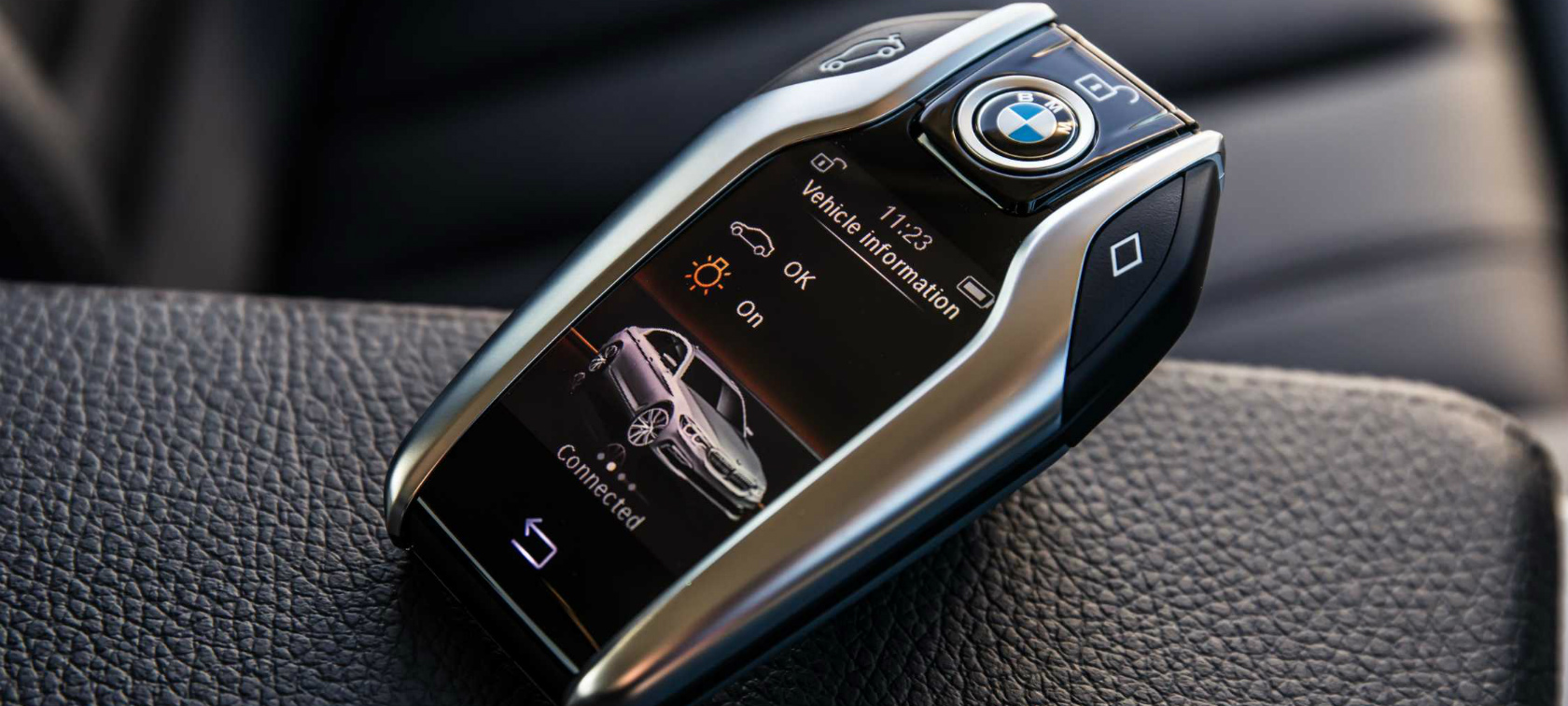
Mesmerizing Bmw X3 Key Fob Image Photography
Explore this high-quality bmw x3 key fob image, perfect for enhancing your desktop or mobile wallpaper.

Amazing Bmw X3 Key Fob Picture Digital Art
Transform your screen with this vivid bmw x3 key fob artwork, a true masterpiece of digital design.
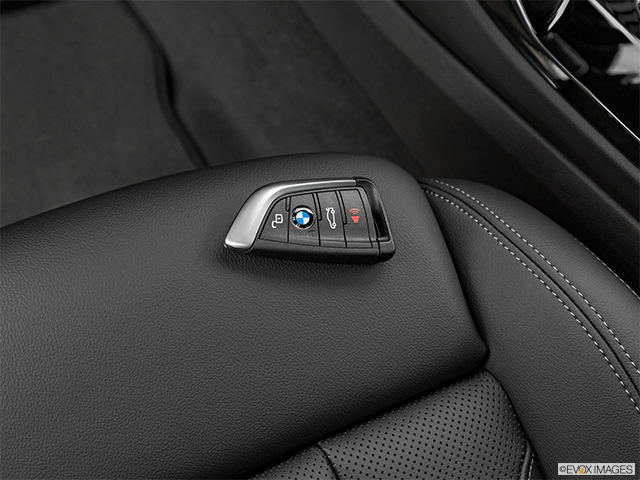
Lush Bmw X3 Key Fob Capture Collection
A captivating bmw x3 key fob scene that brings tranquility and beauty to any device.

Crisp Bmw X3 Key Fob Moment Photography
Find inspiration with this unique bmw x3 key fob illustration, crafted to provide a fresh look for your background.

Exquisite Bmw X3 Key Fob View for Mobile
Find inspiration with this unique bmw x3 key fob illustration, crafted to provide a fresh look for your background.

Lush Bmw X3 Key Fob Photo Photography
This gorgeous bmw x3 key fob photo offers a breathtaking view, making it a perfect choice for your next wallpaper.
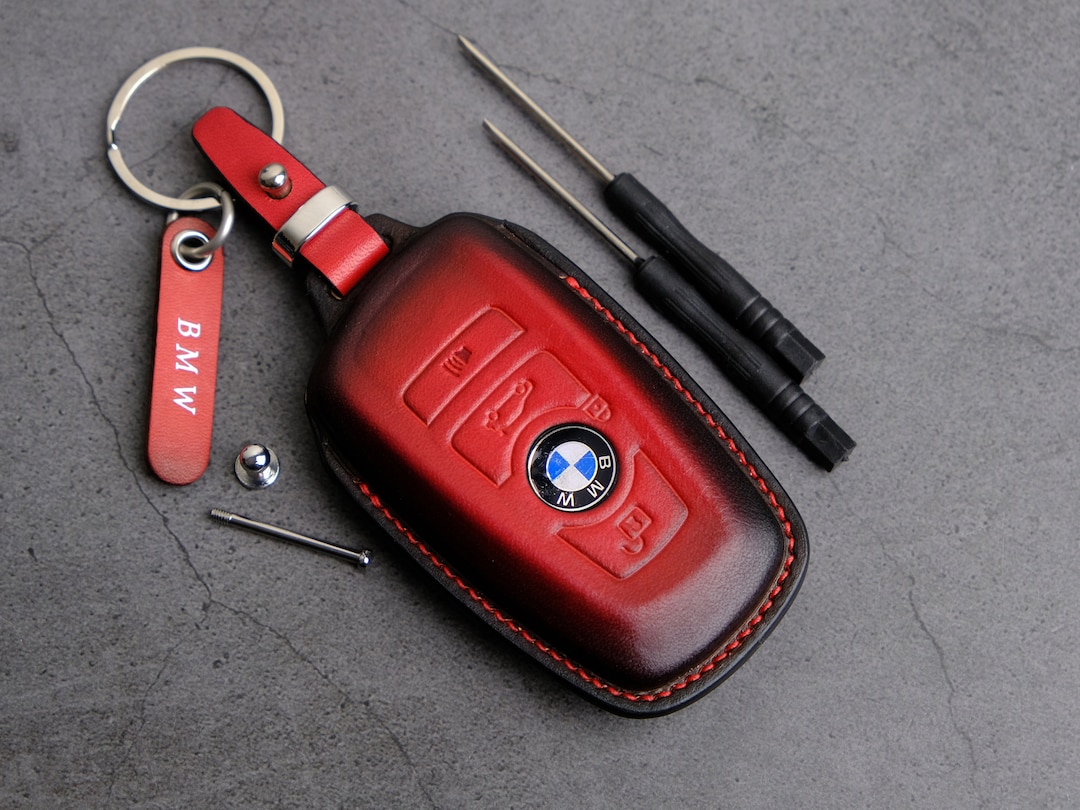
Exquisite Bmw X3 Key Fob Scene Digital Art
Find inspiration with this unique bmw x3 key fob illustration, crafted to provide a fresh look for your background.
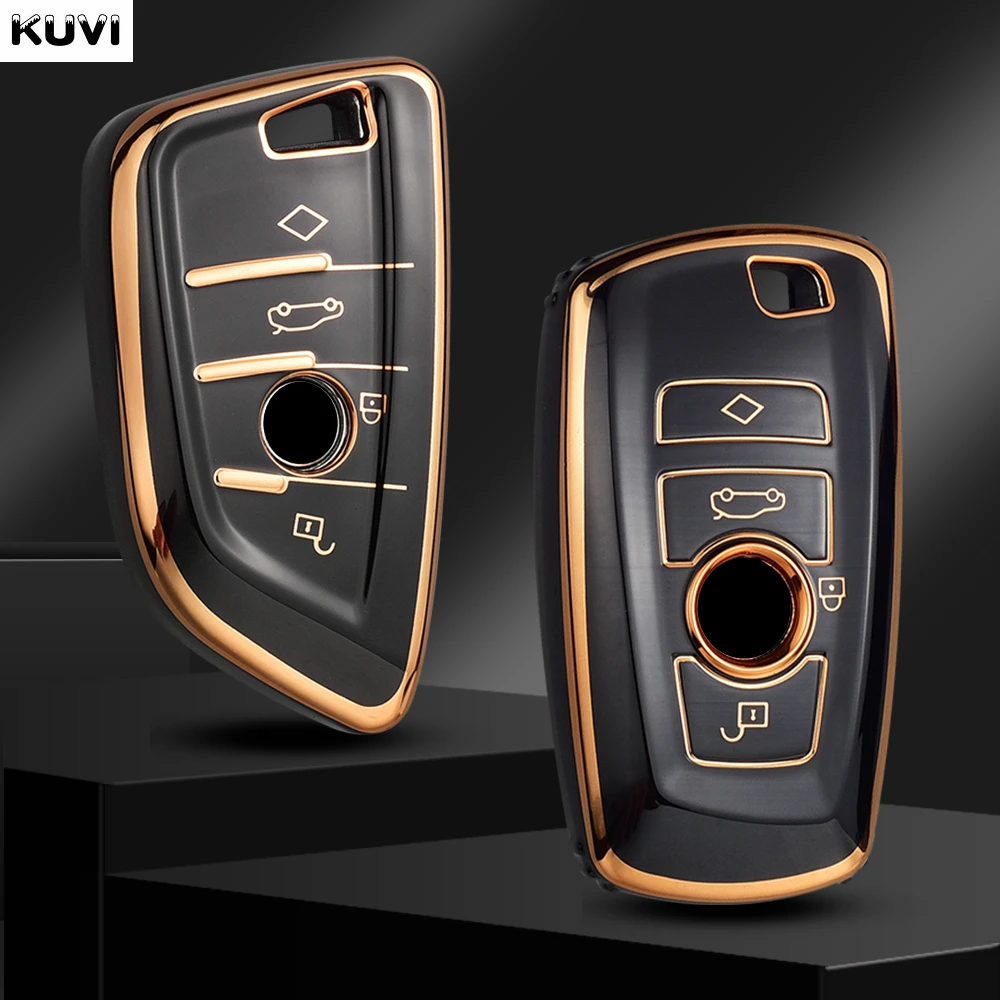
Exquisite Bmw X3 Key Fob Artwork Photography
A captivating bmw x3 key fob scene that brings tranquility and beauty to any device.
Captivating Bmw X3 Key Fob Photo Concept
Immerse yourself in the stunning details of this beautiful bmw x3 key fob wallpaper, designed for a captivating visual experience.
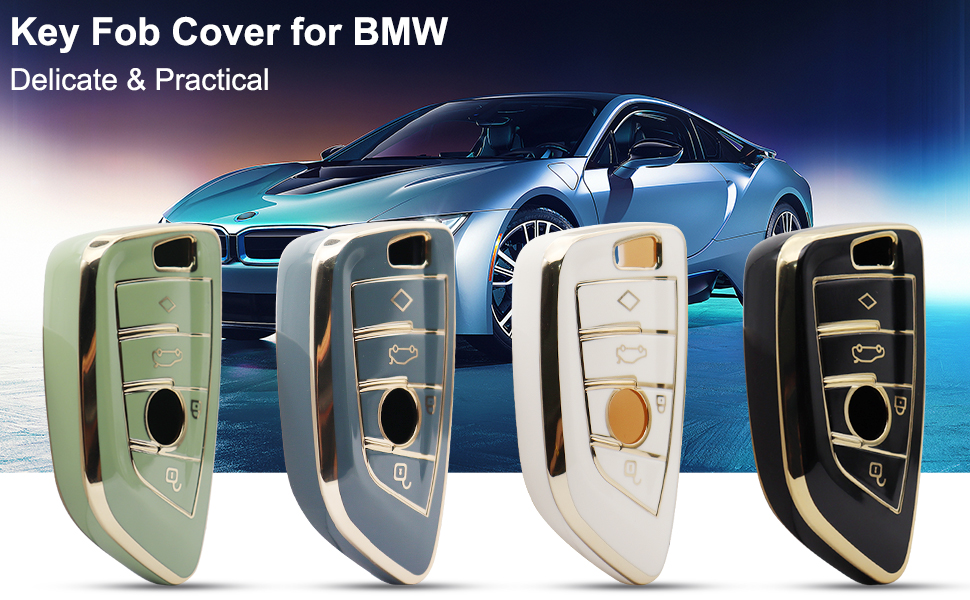
Breathtaking Bmw X3 Key Fob Design for Mobile
Experience the crisp clarity of this stunning bmw x3 key fob image, available in high resolution for all your screens.

Crisp Bmw X3 Key Fob Capture Photography
Find inspiration with this unique bmw x3 key fob illustration, crafted to provide a fresh look for your background.

Crisp Bmw X3 Key Fob Design Illustration
Immerse yourself in the stunning details of this beautiful bmw x3 key fob wallpaper, designed for a captivating visual experience.
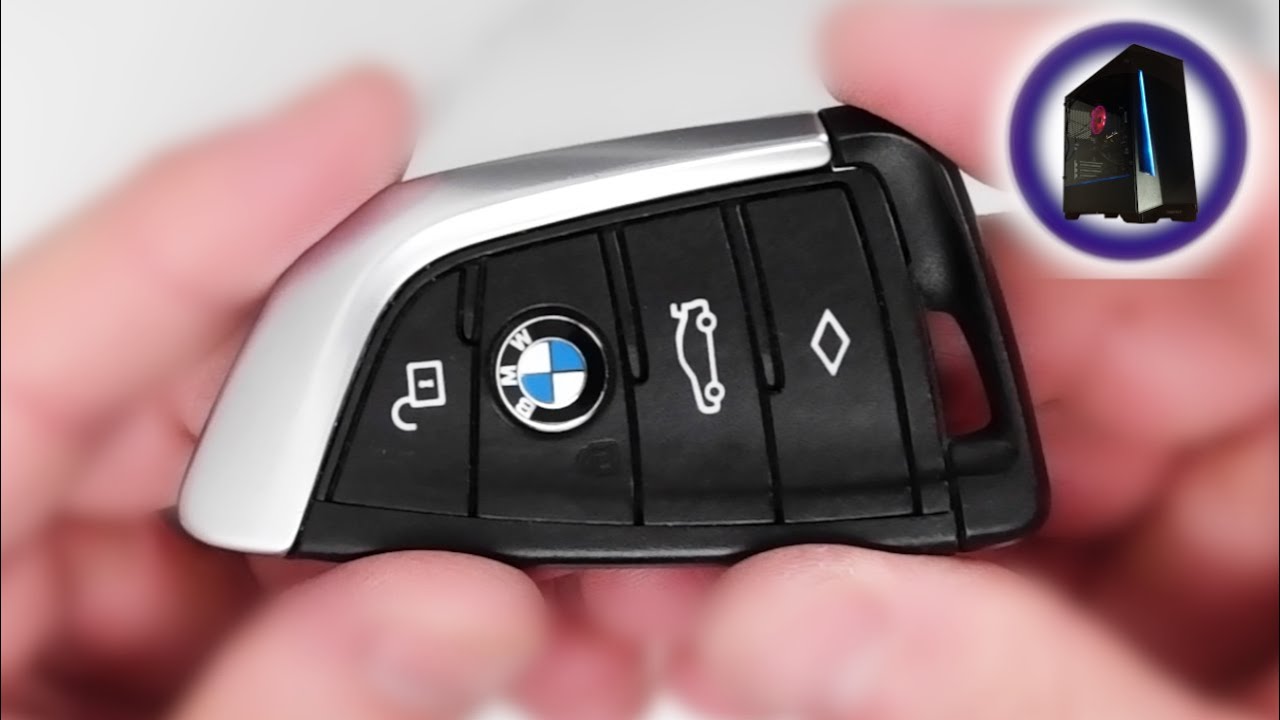
High-Quality Bmw X3 Key Fob Scene Illustration
Discover an amazing bmw x3 key fob background image, ideal for personalizing your devices with vibrant colors and intricate designs.
Captivating Bmw X3 Key Fob Artwork Concept
Immerse yourself in the stunning details of this beautiful bmw x3 key fob wallpaper, designed for a captivating visual experience.

Serene Bmw X3 Key Fob Moment Collection
Explore this high-quality bmw x3 key fob image, perfect for enhancing your desktop or mobile wallpaper.

Amazing Bmw X3 Key Fob Wallpaper Concept
Explore this high-quality bmw x3 key fob image, perfect for enhancing your desktop or mobile wallpaper.
Detailed Bmw X3 Key Fob Landscape Illustration
Discover an amazing bmw x3 key fob background image, ideal for personalizing your devices with vibrant colors and intricate designs.

Vivid Bmw X3 Key Fob Image Collection
Discover an amazing bmw x3 key fob background image, ideal for personalizing your devices with vibrant colors and intricate designs.
Crisp Bmw X3 Key Fob Photo in HD
Find inspiration with this unique bmw x3 key fob illustration, crafted to provide a fresh look for your background.
Download these bmw x3 key fob wallpapers for free and use them on your desktop or mobile devices.